 LOGSORTIE
How to organize Osmo Pocket 4P footage on a Mac
Copy the card, then sort before you edit: first by color profile, then by resolution and frame rate, with slow motion apart. Editing projects remember where each file is, so sorting afterwards breaks those links.
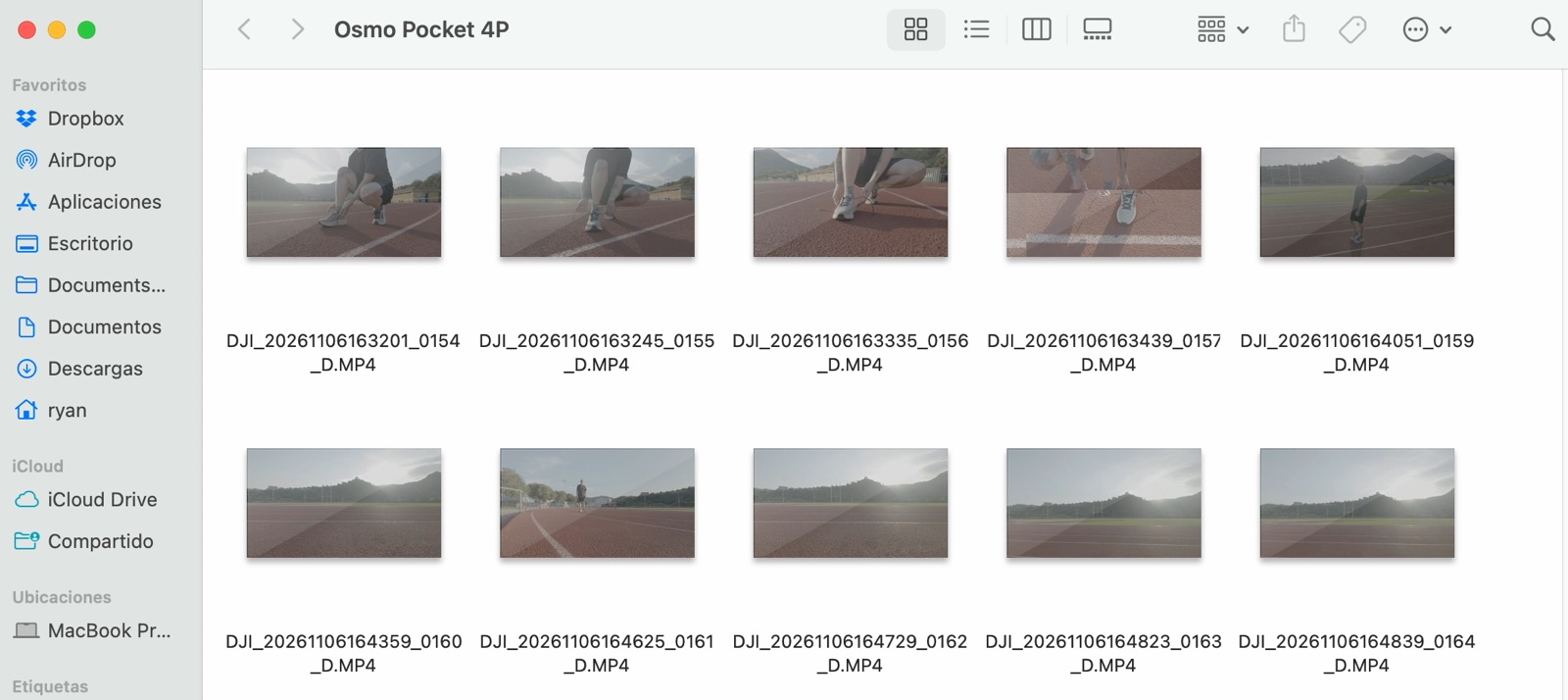
1. Copy the whole card first
Copy everything into a folder named with the date and what you shot, for example 2026-11-06 Track session. Keep the originals untouched until the copy is safe on a second drive.
2. Profile first
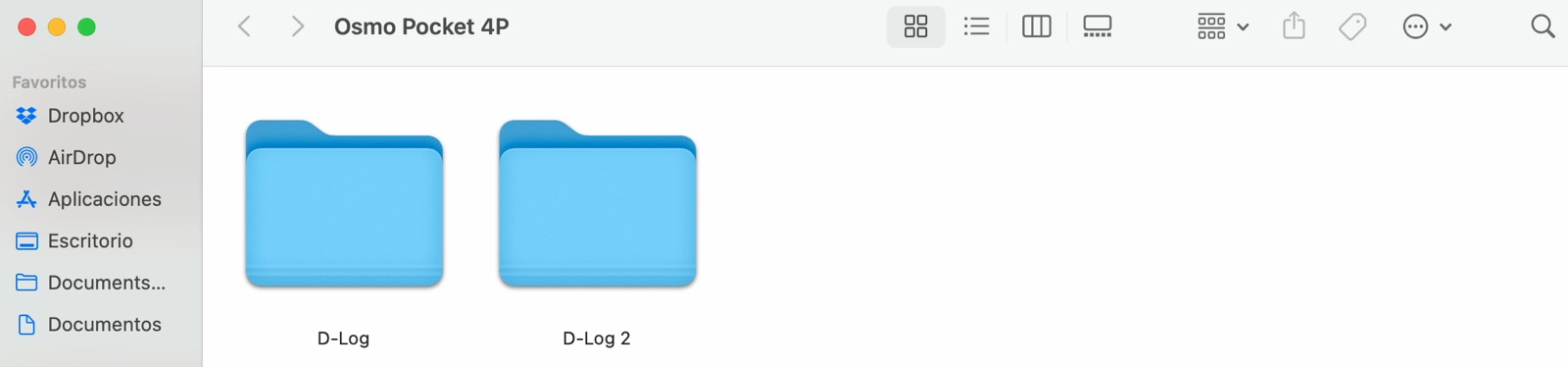
D-Log and D-Log 2 need different color treatment, so they go in separate folders before anything else. If you only have a Pocket 4, you can skip this level.
3. Then resolution and frame rate
Inside each profile folder, make one folder per resolution and frame rate, with slow motion apart and the recording speed in the name:
- D-Log
- 4K 25p
- 4K Slowmo 100fps to 25p
- D-Log 2
- 4K 25p

4. Keep side files with their clip
Next to your videos you may find .LRF files, small preview copies, and .AAC files, the sound of slow-motion clips. Keep each one in the same folder as its clip. See what LRF files are.
5. Then start editing
Import the sorted folders. Grading is faster when every clip in a folder needs the same treatment.
More on the first two levels: D-Log or D-Log 2 and slow motion on the Pocket 4P.
LogSortie does steps 2 to 4: it creates these folders and moves the clips with their side files. It can be undone. More about LogSortie